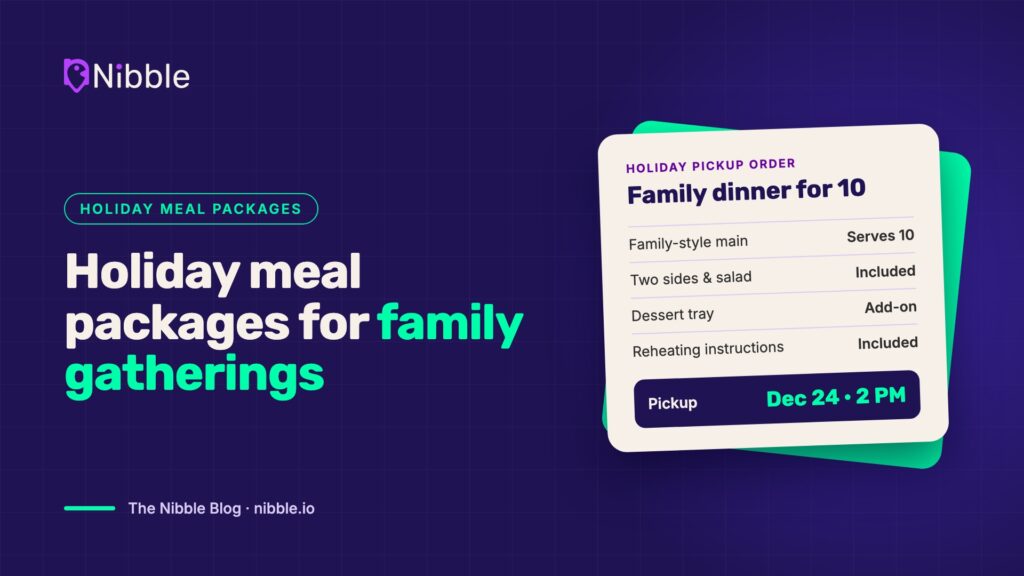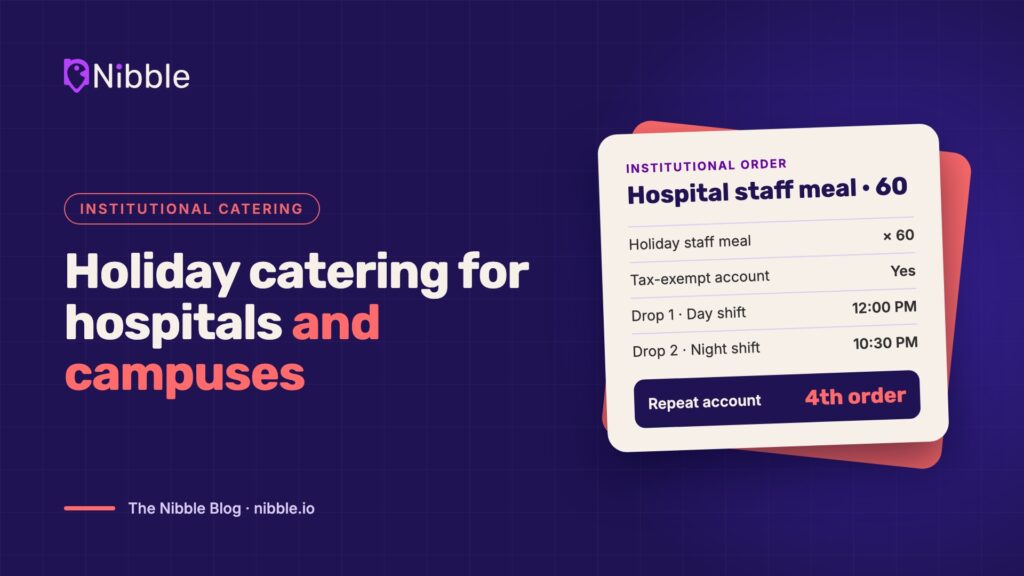
Office parties, client lunches, family gatherings and end-of-year team celebrations all land in the same few weeks. For restaurants that cater, the holidays can be the busiest stretch of the year.
They can also be the most chaotic. Orders come in by phone, email, and text. Headcounts change the day before. The kitchen gets three 50-person orders for the same Friday.
The restaurants that do best in December usually did their planning in October and November. Here’s how to get ready.
1. Build a holiday catering menu that travels
Your full menu isn’t your catering menu. Pick the dishes that hold up after 30 minutes in a box, scale cleanly from 10 people to 100, and use ingredients you already stock.
- Offer packages by headcount (“serves 10–12,” “serves 20–25”) so customers don’t have to do the math.
- Add one or two seasonal items to give regulars a reason to reorder.
- Build in easy add-ons: drinks, desserts, extra sides, utensils, and plate kits.
2. Set lead times and order cutoffs now
Same-day 80-person orders are how kitchens break. Decide your minimum lead time for each order size before the rush starts, and publish it everywhere customers order.
- Set a daily cap on catering orders or total headcount, based on what your kitchen can actually produce alongside regular service.
- Set a cutoff for headcount changes, such as 48 hours before pickup or delivery.
- Close the calendar early on your biggest dates, like the last two Fridays before the holidays.
3. Plan kitchen capacity day by day
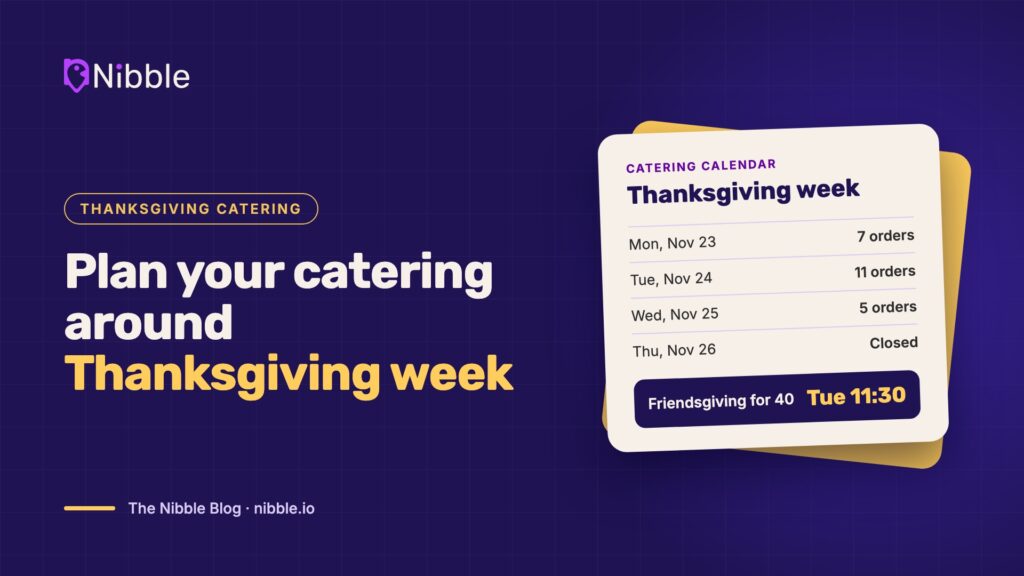
Look at your catering calendar the way you look at a reservation book. For each day, know how many orders are booked, when each one leaves, and what has to be prepped the day before.
Build a prep schedule for your largest orders and assign one person to own catering each shift. When everyone owns it, no one does.
4. Stock packaging and supplies early
Holiday packaging runs short, and running out of half-pans the week before Christmas is a problem no amount of hustle will fix. Order containers, lids, labels, serving utensils, chafing kits and bags now, sized for your expected volume plus a buffer.
Label every order clearly with the customer name, pickup or delivery time, item list, and any allergen notes.
5. Lock in your delivery plan
Decide how catering orders will reach customers before the rush, not during it. Will customers pick up, will your own staff deliver, or will you use a delivery partner? Pulling a server off the floor to drive across town during a dinner rush costs more than the delivery fee.
Whatever you choose, set delivery windows you can keep and confirm the setup details (floor, suite, contact name, setup required) when the order is placed.
6. Make ordering easy, and get it off the phone
During the holidays, the phone rings while your team is busiest. Every missed call is a customer who may simply call the next restaurant.
A dedicated online catering ordering page lets customers browse your catering menu, choose a date and time within your lead-time rules, add extras, and pay up front, at any hour. Your team gets a complete, organized order instead of a voicemail and a callback. It works alongside the marketplaces and delivery apps you already use; it just gives your best catering customers a direct way to order from you.
7. Confirm everything, then follow up
Send a confirmation for every order with the date, time, address, headcount and items. Send a reminder the day before.
After the event, follow up. A short thank-you with a reorder link turns a one-time holiday order into a January team lunch.
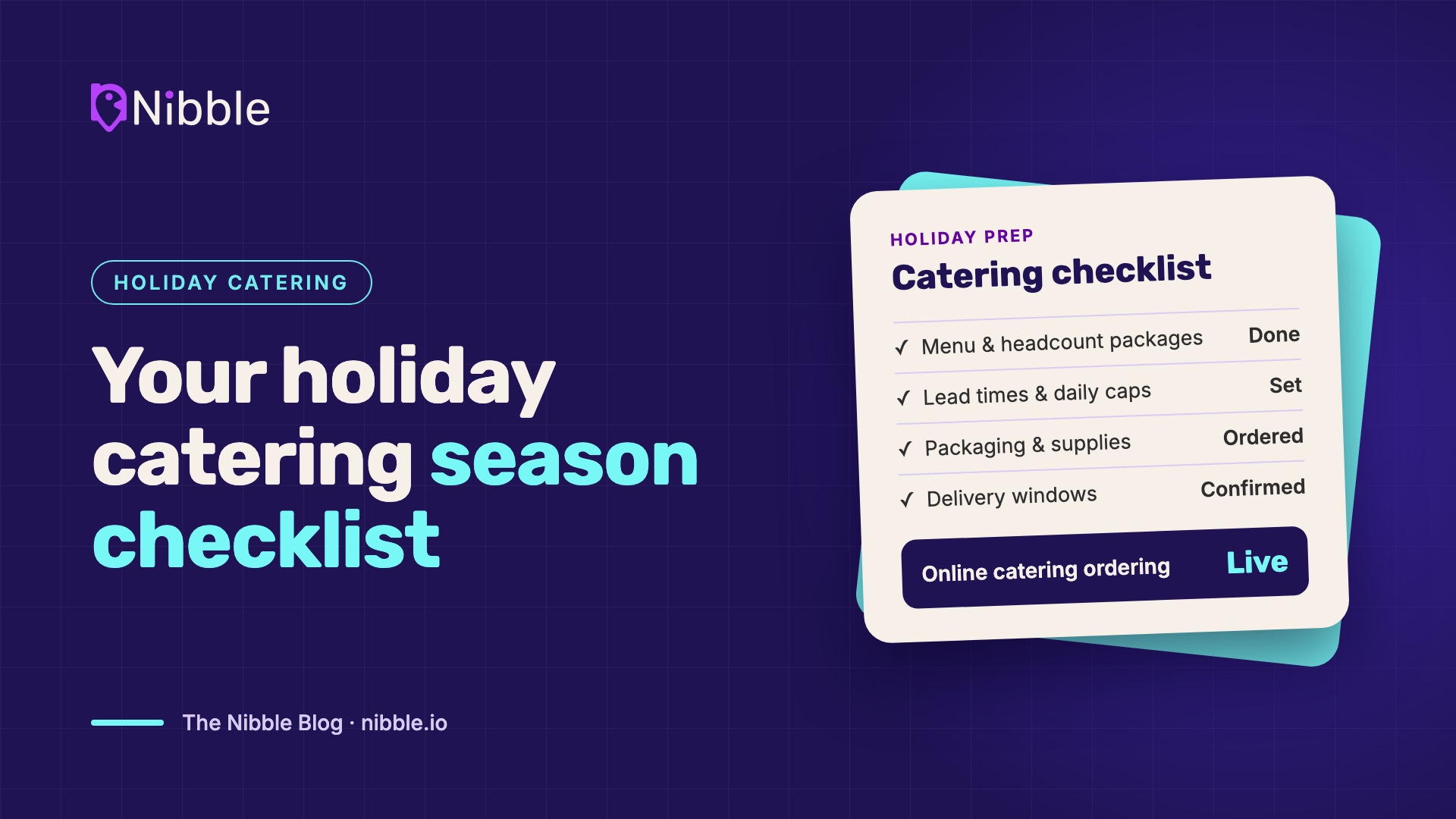
Your holiday catering checklist
- Holiday catering menu with headcount packages and add-ons
- Lead times, daily caps, and change cutoffs set and published
- Day-by-day catering calendar and prep schedule
- Packaging and supplies ordered
- Delivery plan and delivery windows confirmed
- Online catering ordering live
- Confirmation, reminder and follow-up messages ready
See how Nibble ONE helps restaurants take catering orders online, on their own branded ordering page. Book a demo.